Playbook Collections
Group playbooks into themed sets so franchisees browse your Shop by intent instead of scrolling a flat list.
Once you have more than a handful of playbooks, a franchisee should not have to read every campaign name to find the two that apply to them. Collections group playbooks by what franchisees are trying to accomplish. You build them at the Hub, and franchisees see them in the Shop.
Open Social Media Ads, then Organize, then Playbook Collections.
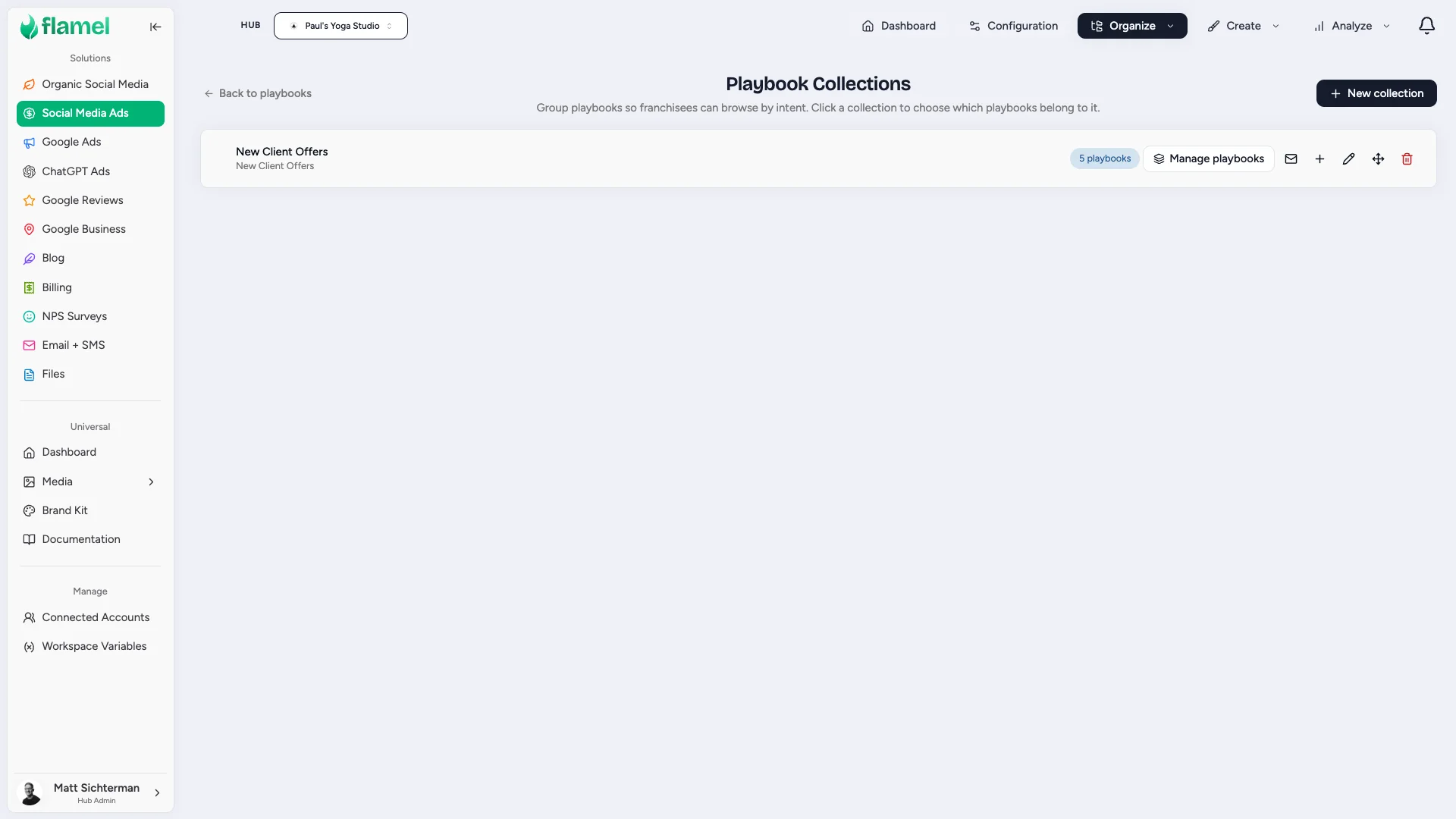
Build a Collection
Create It
Click New collection, then give it a Name and a Description.
The description is not internal notes. Franchisees read it on the Shop screen, so write it as guidance: "Run these in your first 90 days" beats "Q3 assets".
Add Playbooks
Click Manage playbooks, then check everything that belongs. Search by name if the list is long.
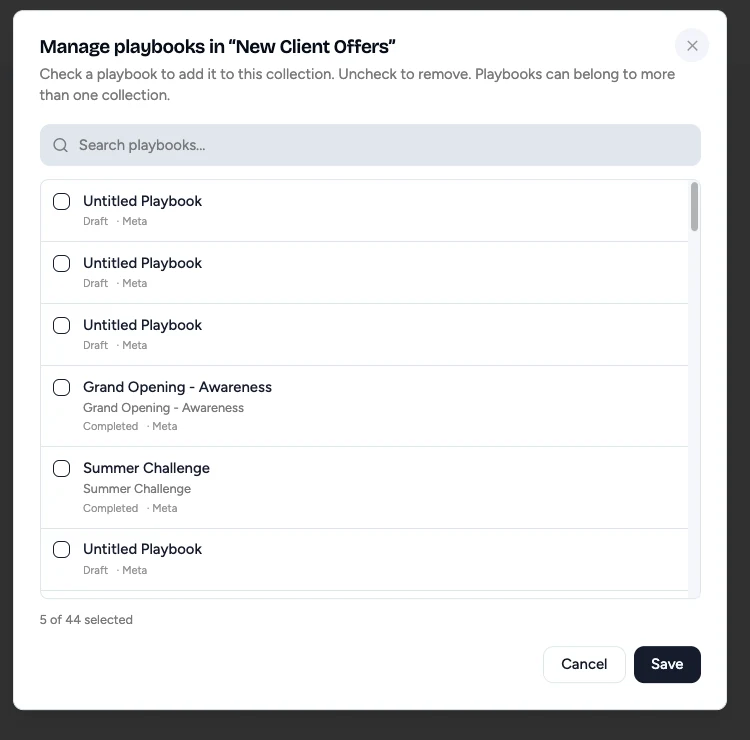
A playbook can sit in more than one collection. Adding it here never removes it from another.
Save
Click Save. Franchisees see the new grouping the next time they open the Shop.
Rename, Reorder, Delete
Each collection row carries controls on the right: the pencil renames it, the arrows reorder collections and control the order franchisees see, the trash deletes it.
Deleting a collection never deletes the playbooks inside it. They return to the ungrouped list and stay in the Shop.
Naming Collections
Collections named after your internal calendar (Q3, Batch 2) mean nothing to an owner-operator. Name them after the moment the franchisee is in: Opening a New Location, First 90 Days, Win Back Lapsed Clients.
Most systems run three to six. Fewer than three is not worth grouping. More than eight rebuilds the wall you were trying to remove.